Guide
A customer shows a UPI screenshot but your shop has no payment. What now?
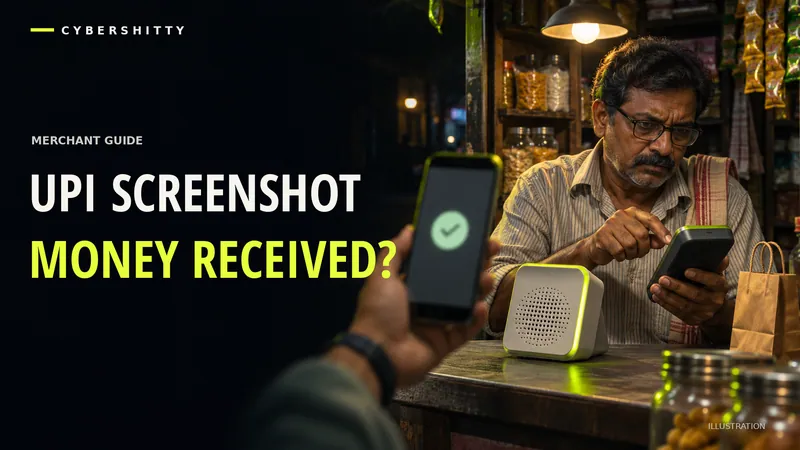
AI-generated editorial illustration by CyberShitty. Not a photograph or a document from the organisations named.
A customer is ready to leave, the soundbox is silent and the screen they show you says “paid”. Use the transaction in your own merchant account to decide what to do.
At the counter, match the sale on your device
Open your business app from your own phone. In its payments or transaction history, look for this sale. Compare the exact amount, time, status and receiving merchant account. If you run two tills, check which QR the customer scanned. A successful ₹480 payment from earlier today cannot settle a second ₹480 bill.
A soundbox announcement is a cue to look. A silent or disconnected device can miss an announcement. Keep the goods at the counter while you check.
The customer was debited but you see no credit
Keep the order open and give the customer the bill number. Ask for the payment reference if available. Record it alongside the amount, time and till. The customer can check the debit in their own app while you raise a ticket in your merchant app. Avoid asking to see their PIN, OTP or full statement.
If the customer chooses to pay another way, mark the first payment as pending against the same bill. Recheck it when reconciling the till, so two successful payments do not become two sales.
Your app shows success but the bank entry comes later
Some merchant services settle several collections in one bank credit. Match the sale in the merchant transaction list first, then check the service’s settlement details against the bank entry. Record the provider ticket if the sum does not reconcile.
Someone asks for a refund to another UPI ID
Open both original entries yourself before treating the case as a duplicate. Use the provider’s refund process for a verified duplicate. Keep its reference with the bill. If someone offers to fix your device or sends a payment request to receive money, stop and use the help section in your own app. How QR and payment-request fraud works.
Asked to scan a QR to receive a tenant’s deposit? See the rental examples.