Guide
A wedding invitation on WhatsApp asks you to install an app. What should you do?
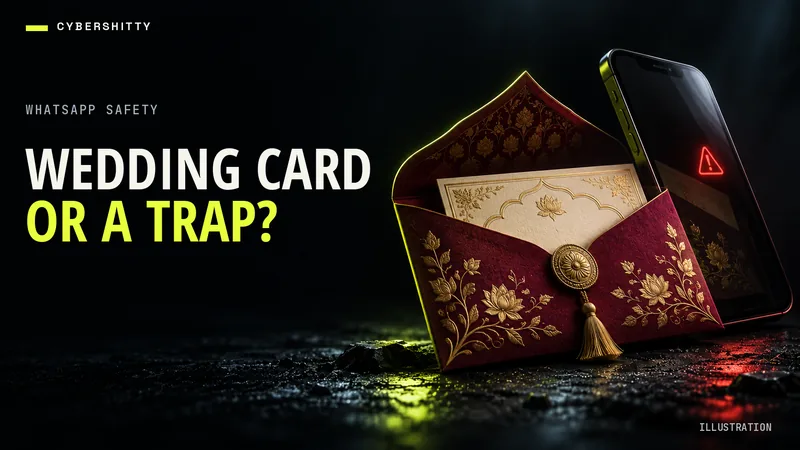
AI-generated editorial illustration by CyberShitty. Not a photograph or a document from the organisations named.
A Surat complaint shows how convincing a file called a wedding invitation can be. What to check before opening one, and what to do if you downloaded a file, installed an app or noticed a debit.
The invitation that never appeared
A textile worker in Surat received a WhatsApp file labelled as a wedding invitation on 23 August. He told police he downloaded it, but no invitation appeared. On 28 August, while trying to pay a hospital bill, he found his balance was short. His bank statement showed ₹48,000 had been withdrawn three days earlier. The Times of India reported the Dindoli police complaint on 27 November.
The public account does not identify the file format or establish how the withdrawal was authorised. If a similar message reaches your phone, the first question is what you actually did after receiving it.
Before opening or forwarding it
Call the person getting married or the relative who appears to have sent the invitation. Use a number you already had. Ask for the venue and date, or ask them to send the invitation as a plain picture. A reply in the same WhatsApp conversation does little to settle who controls the account.
An APK is an Android app installation package. A wedding card has no reason to ask you to allow an unfamiliar app to install software, read your messages or control your screen. Cancel an installation prompt. To warn the family group, describe what the message said without forwarding the file itself.
If the file is already on your phone
Downloaded only. Leave the file closed. Note the sender, filename and time or take a screenshot. Check the list of installed apps in Settings for anything unfamiliar. A file in Downloads and an app listed as installed are two different findings. Remove the suspicious download and check Play Protect in the Play Store.
Installed an unfamiliar app or granted it access. Stop using that phone for banking. From another trusted device or phone, check your bank activity and tell the bank if any credentials or transactions are at risk. On the affected device, follow Google’s guidance to remove the unwanted app, check Play Protect and install available security updates. If the app resists removal, seek help from the device maker.
If you see a debit or entered a password
Contact the bank through the number printed on your card or its official app on a trusted device. Ask it to secure the affected payment channel, register the disputed transaction and give you a complaint number. Change any password you entered in the suspicious app, using a trusted device.
For financial cyber fraud in India, call 1930 promptly and report it on cybercrime.gov.in. Keep the bank alert, transaction reference, amount, original chat and complaint numbers. Record when you discovered the debit as well as the date on the statement. If you are helping a parent, sit with them during the call and let them speak directly to the bank.
If the phone keeps asking you to enable Accessibility or you cannot remove an unfamiliar app, our Android recovery guide walks through the settings to check before using the phone for banking again.
Source log / 2026-1127-WI
- The Times of India · Surat wedding-invitation complaint, 27 November 2026 Secondary
- Google Android Help · Use Google Play Protect Primary
- Google Account Help · Remove unsafe software on Android Primary
- Ministry of Home Affairs via PIB · National Cyber Crime Reporting Portal and financial fraud helpline Primary