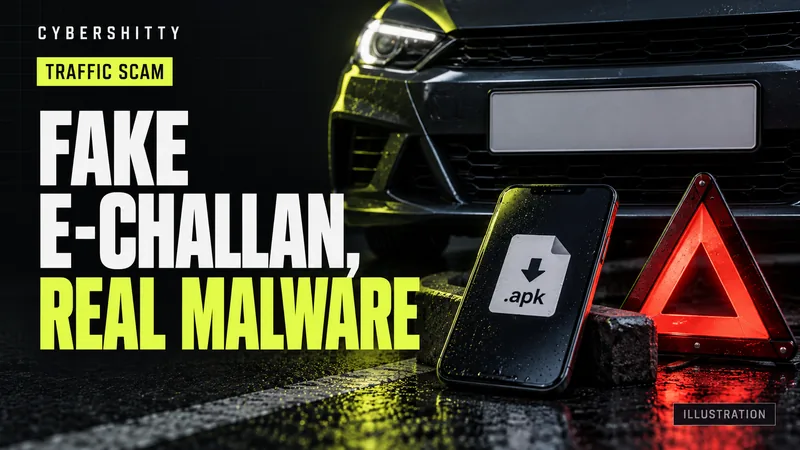
AI-generated editorial illustration by CyberShitty. Not a photograph or a document from the organisations named.
A message says you have an unpaid traffic challan and must pay now, through a link or an 'RTO Challan' app file. Check it yourself on the official Parivahan e-challan site, never install the APK, and call 1930 if you paid.
01 / How the scam works
You get an SMS, WhatsApp message or email saying a traffic challan is pending against your vehicle. It warns that your licence could be suspended or a court notice issued unless you pay immediately. There is a link, or a file to install.
A May 2026 cyber-awareness bulletin from the CRPF's communications and IT directorate describes the pattern. The alerts often come from ordinary 10-digit mobile numbers rather than verified sender IDs. The links often use shortened URLs and lead to cloned pages that look like the real Parivahan site, show fake violation details and accept card-only payments. The bulletin says a Delhi resident lost over Rs 2.49 lakh trying to pay a "Rs 500 pending challan" through a fake link.
You never need a link from a stranger to pay a real challan. You can always look it up yourself.
02 / Why an 'RTO Challan' APK is malware
The more dangerous version sends a file instead of a link, with names such as "RTO Challan.apk" or "e Challan App". An APK is an Android app installed from outside the Play Store.
- In December 2025 the J&K Crime Branch's cyber centre warned that once installed, such an app compromises the phone and can lead to a complete takeover of WhatsApp and other linked accounts. It said the infected phone may be used to send the same scam to your contacts, and that you may start getting OTPs you did not request.
- The Crime Branch said the RTO, traffic police and government departments never send APK files for challan payment.
- In June 2026 Meghalaya Police issued a similar warning about a file named "RTO Challan.apk" circulating on social media and messaging apps.
Read more on APK malware on WhatsApp.
03 / How to check a real challan
- Type the address yourself: echallan.parivahan.gov.in, the Ministry of Road Transport and Highways' e-challan portal. Don't open it from a link in the message.
- Use "Check Challan Status". You can search by challan number, vehicle number or driving licence number. The CRPF bulletin notes that a vehicle search asks for the last five digits of the chassis or engine number.
- No challan found? The message was fake.
- Other official routes: DoT's Sanchar Saathi awareness note points to the official e-challan portal and the mParivahan app. Some states run their own traffic police challan sites. Reach them by typing the address from an official source, not from a message.
- Read the portal's own warning. The e-challan site says it never asks for your password, OTP, payment details or sensitive personal information through calls, emails, messages or links.
DoT's note also says traffic police never send direct payment links by SMS, WhatsApp or email. If a message says otherwise, check the portal.
04 / Paid on a fake site or installed the app?
- Lost money: call 1930 at once and file at cybercrime.gov.in. See how to report on 1930.
- Call your bank on its official number (see our bank fraud helplines) and block the card you used. RBI says to block all modes of debit, including UPI, if you see a debit you did not make.
- Installed the APK: turn off mobile data and Wi-Fi, uninstall the app, and remove any permissions you gave it. Change your banking, UPI and email passwords from another device.
- Secure WhatsApp: the J&K Crime Branch advises turning on two-step verification and telling your bank at once about anything suspicious. Warn your contacts not to open any file sent from your number.
05 / Report the message
Report the SMS, WhatsApp message or link on DoT's Chakshu facility on the Sanchar Saathi portal or app, within 30 days of receiving it. Chakshu has a separate option for suspicious web links. It is for reporting, not recovery: if money has gone, go to 1930 first. Our guide shows how to use Chakshu. You can also paste a doubtful message into our scam check.
06 / Your checklist
- Don't tap links in challan messages, even if the page looks official.
- Be wary of challan alerts from a 10-digit mobile number.
- Type echallan.parivahan.gov.in yourself and check by vehicle, challan or DL number.
- No challan on the portal means the message was fake.
- Never install an APK file sent by SMS or WhatsApp.
- Never share an OTP, card details or passwords.
- Lost money: 1930 and cybercrime.gov.in, then your bank.
- Installed the app: go offline, uninstall, change passwords, turn on WhatsApp two-step verification.
- Report the message on Chakshu within 30 days.
Source log / 2026-0929-EC
- MoRTH — eChallan: Digital Traffic/Transport Enforcement Solution (official portal and fraud notice) Primary
- MoRTH — eChallan: Check Challan Status Primary
- Sanchar Saathi (DoT) — Keep Yourself Aware: Fake Traffic Challan Scam Primary
- CRPF (Comn & IT Dte) — CyberByte, May 2026: RTO/e-Challan Android Malware Campaign Secondary
- Sanchar Saathi (DoT) — Chakshu: Report suspected fraud communication Primary
- RBI — Consumer Awareness: Cyber Threats and Frauds (28 Jan 2022) Primary
- Greater Kashmir — Crime Branch warns public against fake RTO challan APK scam circulating via SMS, WhatsApp (23 Dec 2025) Secondary
- Northeast News — Meghalaya Police warn public against fake 'RTO Challan.apk' circulating online (4 Jun 2026) Secondary