News briefing
'MR ROBOT' kit rents out fake bank, bill and challan apps that steal OTPs and divert calls

Illustrative stock image via Unsplash. It does not depict the organisations named.
Security firm CloudSEK says a group called MR ROBOT rents a ready-made Android banking trojan to fraudsters, with about 36 fake apps posing as banks, gas and electricity bills and RTO challans. Once installed, it reads OTPs and quietly forwards your calls.
01 / What happened
On 28 October 2026, the security firm CloudSEK published research on 'MR ROBOT', which it describes as a previously unreported group that rents out Android banking malware aimed at customers of Indian banks. The Pioneer reported the findings the same day.
- Malware for rent: a main operator leases the tools to 'affiliates', who build their own copies of the fake apps and spread them through links on messaging apps and fake Play Store-style pages. A Telegram bot sells the lures on a 'demo, then paid' basis.
- About 36 lure apps: nine public- and private-sector banks (including an 'ATM PIN' app and card-limit offers), gas, water and electricity bill updates, a telecom operator, and 'RTO Challan' pages that charge a ₹9–10 'fee' to collect your name, PAN, date of birth and mobile number.
- How it was found: CloudSEK began with a fake app posing as a public-sector bank, sent with an 'Aadhaar update' lure.
02 / What the app does once installed
- Its icon disappears, so you may not notice it is on your phone.
- It reads incoming SMS, including bank OTPs, and sends them to the fraudsters.
- It switches on call forwarding with the carrier code *21*, so calls to your number, including a bank's call to check a suspicious payment, go to a number the fraudsters control.
- Fake screens ask for Aadhaar, PAN, card number and CVV, ATM PIN, UPI PIN and net-banking passwords.
- It stays dormant for about 48 hours, and every copy is signed differently, which helps it get past automated security checks.
If OTPs stop arriving or your bank cannot reach you, check call forwarding first.
03 / How big is it
One affiliate's exposed database showed 153 infected phones and 5,407 intercepted SMS, with OTPs from more than a dozen banks and payments banks; call forwarding was on for 58% of those victims. Another affiliate's panel showed about 154 phones and 3,270 messages. These are snapshots of two renters, not a national count, and the report does not say how much money was stolen.
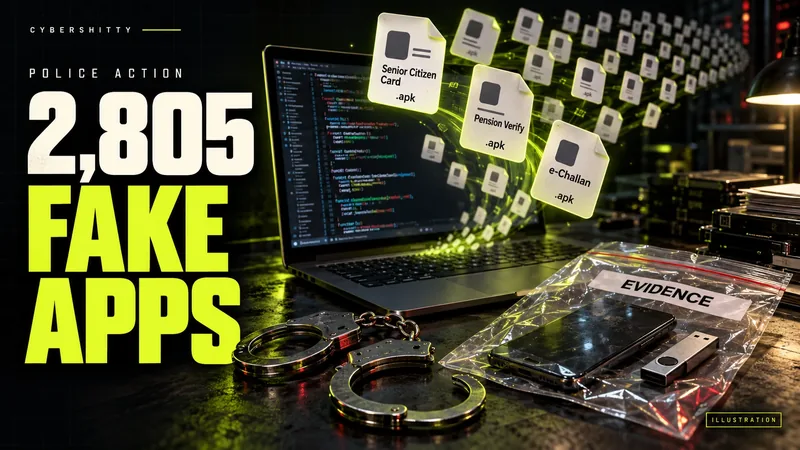
The lures match what police keep finding. Earlier this month, Mumbai police arrested a developer accused of making 2,805 fake APKs posing as senior citizen cards and challans (our report).
04 / Confirmed vs. claimed
Researchers' findings (CloudSEK's report of 28 October): the rental model, the 36 lures, what the malware does, and the figures above. Reported: The Pioneer's coverage, which matches the report. We have not seen an advisory on MR ROBOT from CERT-In, I4C or any bank so far, and CloudSEK does not name the banks or companies whose apps were copied. The report lists technical indicators, including web addresses; we are not reproducing them. Confirmed (Department of Telecommunications): the codes to check and switch off call forwarding, below.
05 / What to do
- Never install a bank, 'Aadhaar update', gas or electricity bill, or challan app from a link on SMS, WhatsApp or Telegram. Banks do not send APK files. Install apps only from the Play Store, and check the developer's name, not just the logo.
- Keep Google Play Protect switched on, and check which apps are allowed to read your SMS and handle calls.
- Check call forwarding: dial *#21#. If calls are being forwarded and you did not set it up, dial ##002# to switch it off, as the Department of Telecommunications advises. Do not dial a code starting *21* because a caller asks you to; DoT says genuine delivery companies never ask for this.
- Pay challans only on the official e-challan site or app, and bills through the company's own app or website. See our guides to fake challans and disconnection SMS scams.
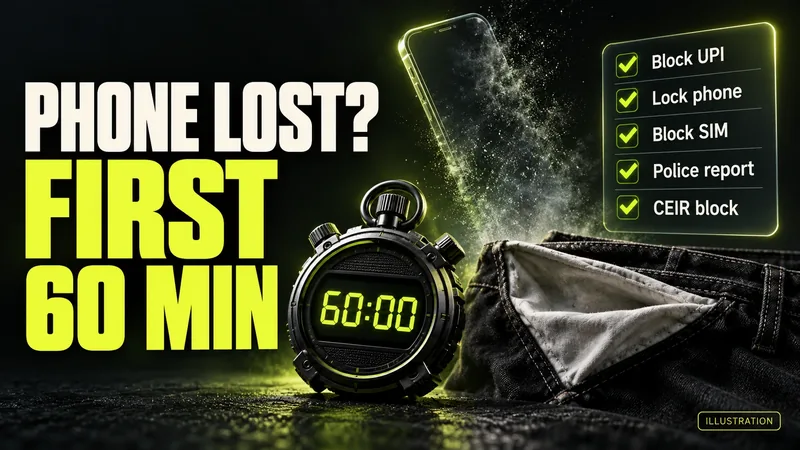
- Installed one? Turn on flight mode, uninstall it, and call your bank to block cards, UPI and net banking; our installed-app guide has the steps. Lost money? Call 1930 at once and see our lost-money checklist.
Source log / 2026-1031-MR
- CloudSEK — Inside MR ROBOT: Malware-as-a-Service targeting Indian bank customers (28 Oct 2026) Primary
- The Pioneer — Cyber gang 'Mr Robot' rents out malware to target Indian banking customers: CloudSEK (28 Oct 2026) Secondary
- Department of Telecommunications (Sanchar Saathi) — Undeliverable parcel scam: check and switch off call forwarding (*#21#, ##002#) Primary